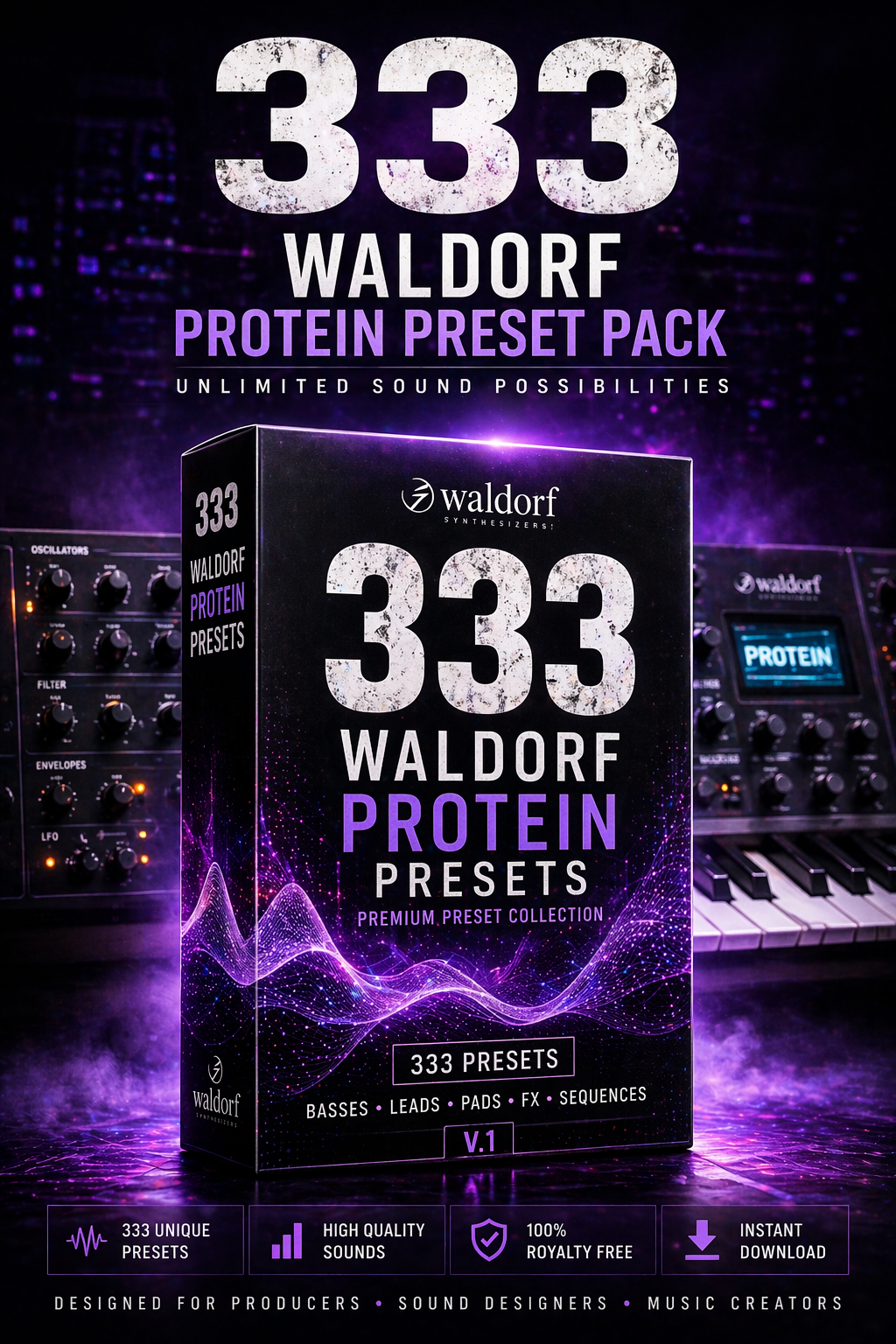

Unlock the full potential of your Waldorf Protein with this massive collection of 333 premium presets. Designed for producers, sound designers, and musicians who demand unique, high-quality sounds, this pack delivers everything from deep basses to cinematic textures.
This is not just a preset pack – it’s a complete sound design toolkit.
🔥 What’s Inside:
- 333 professionally crafted presets
- Wide range of sound categories
- Ready-to-use and fully tweakable sounds
- 100% royalty-free
🎛️ Sound Categories:
- Hard-hitting basses
- Expressive leads
- Atmospheric pads
- Cinematic textures
- Experimental FX
- Sequences & evolving sounds
💥 Why This Pack Stands Out:
Every preset is carefully designed to take advantage of the Waldorf Protein’s wavetable engine and modulation power. Expect rich movement, depth, and character in every sound.
Perfect for producers who want original, standout sounds instead of generic presets.
🎧 Perfect For:
Hip Hop, Trap, Cinematic, Ambient, Electronic, Sound Design & Film Scoring
⚡ Instant Inspiration
Skip the sound design struggle and jump straight into creativity. Load a preset and start building your track immediately.
🚀 Instant Download
Get immediate access after purchase and expand your sound library in seconds.
Requirements
Waldorf Protein synthesizer
A computer (Windows / Mac)
A SysEx MIDI tool (e.g. MIDI-OX or SysEx Librarian)
USB or MIDI connection to your Protein
Connect Your Device
Connect your Waldorf Protein via USB or MIDI interface
Make sure it is powered on
Select the Protein as MIDI Output device in your SysEx tool
Prepare the Synth
On the Waldorf Protein:
Make sure it is ready to receive SysEx data
(Optional) Select a preset slot where you want to store the new sound
- Send the SysEx File
Using your SysEx tool:
On Windows (MIDI-OX):
Open MIDI-OX
Go to Options → MIDI Devices and select your Protein as Output
Go to View → SysEx
Click SysEx → Send SysEx File
Select the preset file (.syx)
On Mac (SysEx Librarian):
Open SysEx Librarian
Select your Protein as destination
Drag & drop the .syx file into the list
Click Play
- Wait for Transfer
Do not interrupt the process
The Protein may briefly show activity (depending on settings)
Wait a few seconds after sending is complete - Load the Preset
Open the Preset Action Menu on your Protein
Select and confirm the imported preset
⚠️ Tips
If nothing happens, try lowering the transfer speed in your SysEx tool
Make sure the correct MIDI port is selected
Avoid sending multiple files at once
✅ Done!
Your new presets are now ready to use.